What Makes This Figma Login and Signup Screen Stand Out?
This Figma login screen keeps things simple. It combines login and signup flow on a single screen. Users can switch between login and register tabs with one click. There is no page reload, which makes the experience smooth.
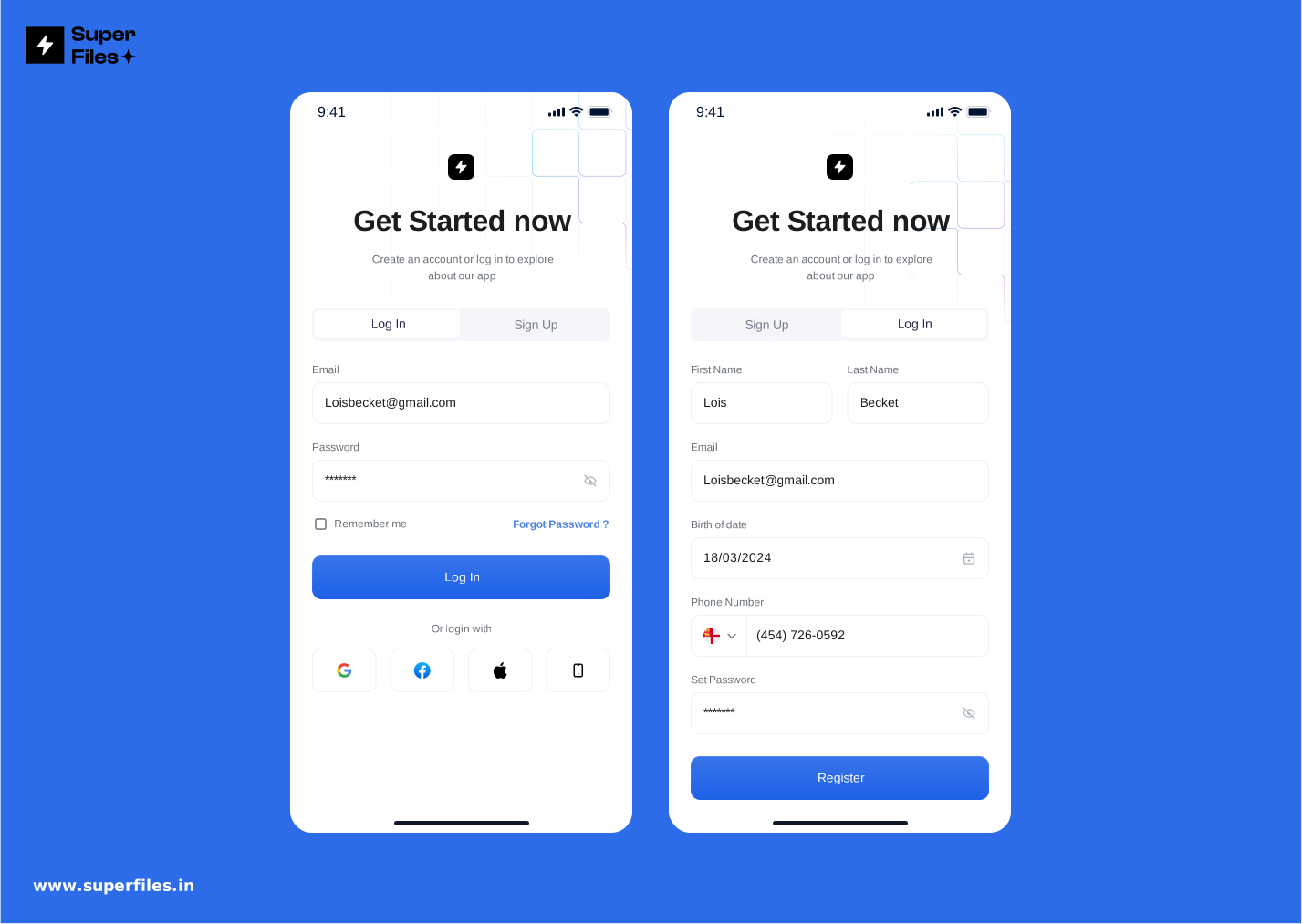
- Single-Screen Flow: No redirect needed. Users stay on one screen to login or sign up.
- Tabs for Switching: Clean tabs make it easy to toggle between login and register.
- Blue Tone Theme: Soft blue color gives a modern and calm feel.
- 10px Rounded Buttons: Buttons are slightly rounded for a friendly look.
- Minimal Logo Section: A square shape background highlights the logo without clutter.
- Social Login Option: Users can log in with Google, Facebook, or other platforms.
- Trendy and Minimal UI: Follows current design trends for web and mobile apps.
This screen is great for apps that want a quick login experience. Users do not feel lost because everything is in one place. The blue tone makes it look trustworthy and professional. The social login buttons reduce sign-up friction. The design is minimal, so users focus on login or signup only. For more Figma AI design tips, check our guide on automating layouts.
This Figma login screen uses a clean white theme. A light blue gradient on top adds freshness to the design. Users can log in with email or choose a social media account.
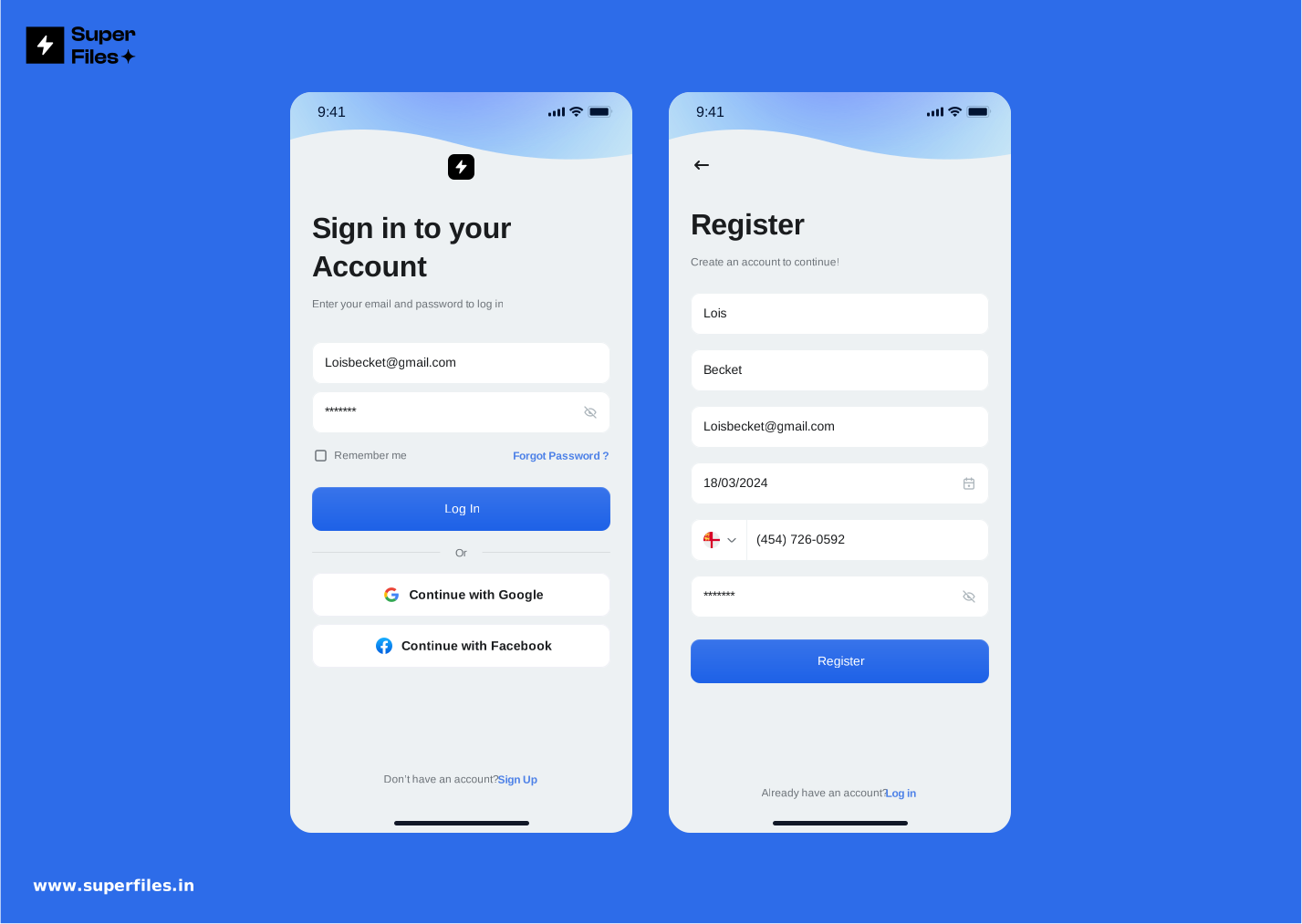
- White Theme Layout: Gives a clean, distraction-free experience.
- Light Blue Gradient Header: Adds a soft, modern touch to the screen.
- Email Login Option: Simple fields for email and password.
- Social Login Buttons: Google and Facebook login supported.
- Minimal Look: Perfect for apps that want a sleek, professional interface.
The gradient adds a little personality without being too loud. Social login buttons save users time by skipping manual signup. This design works well for apps that prefer a light, modern feel.
This Figma login screen uses a bold black and white theme. It has strong header text that instantly grabs attention. Square line art on the black background adds a modern look.
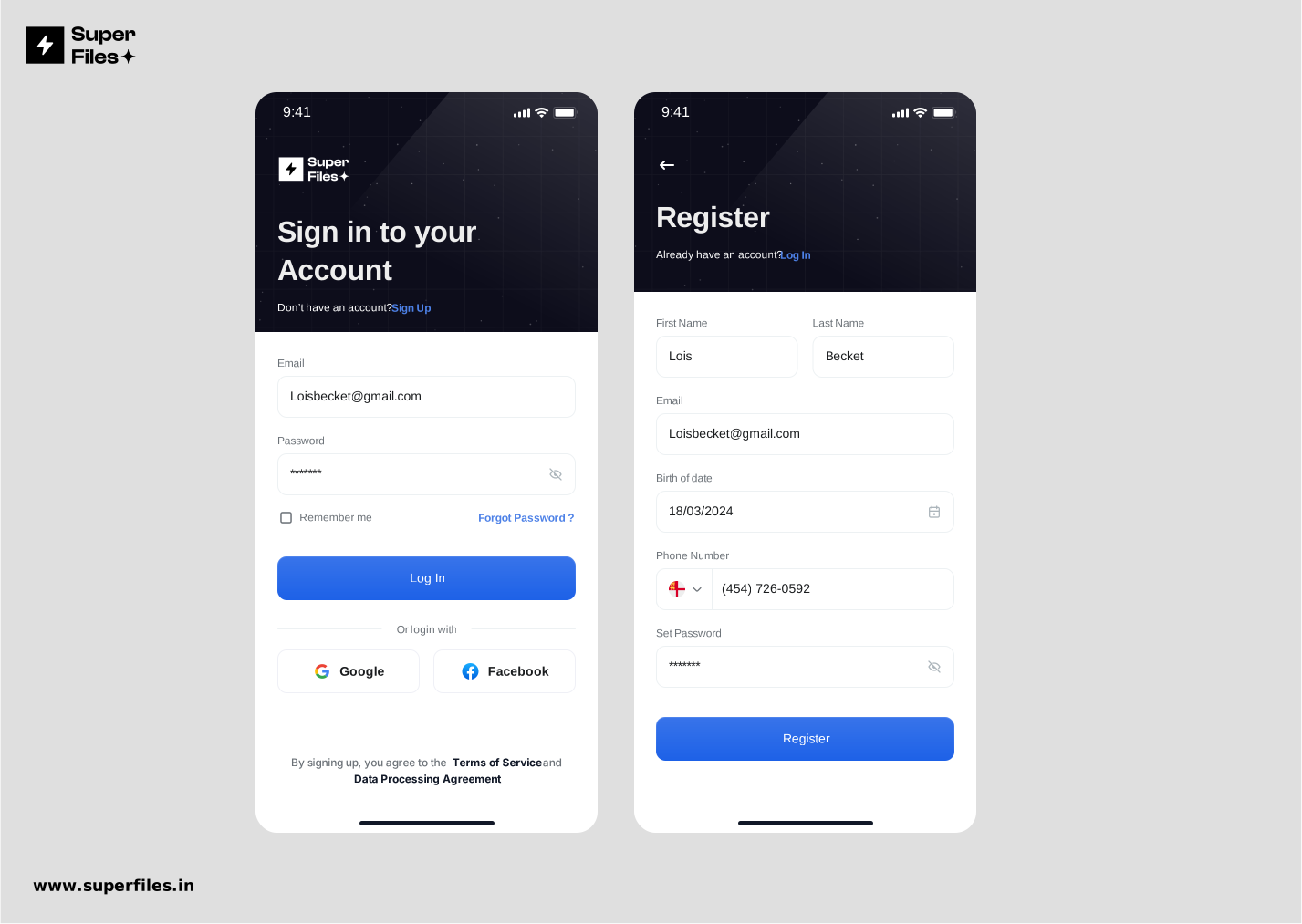
- Black and White Theme: Clean contrast makes text and fields easy to read.
- Bold Header Text: Strong typography creates focus and visual hierarchy.
- Square Line Art: Adds a stylish touch to the background.
- White Input Fields: Email and password fields are well-separated and easy to spot.
- Dedicated Logo Space: Add your own brand logo at the top.
- Social Login Buttons: Google and Facebook login available.
- Copy to Figma Button: One click to edit this screen directly in your Figma file.
The dark background makes white elements pop. Bold header text improves readability and guides users. Clear input fields make the form easy to fill. The direct Figma copy button saves time for designers. This screen is perfect for apps with a bold, modern identity. Looking for more UI resources? Explore our collection of 3D glossy icons and logos.
This Figma login and registration screen uses a soft pink and blue gradient background. All details sit on a white content box, making fields easy to read. The design includes a logo space, form fields, and social login buttons.
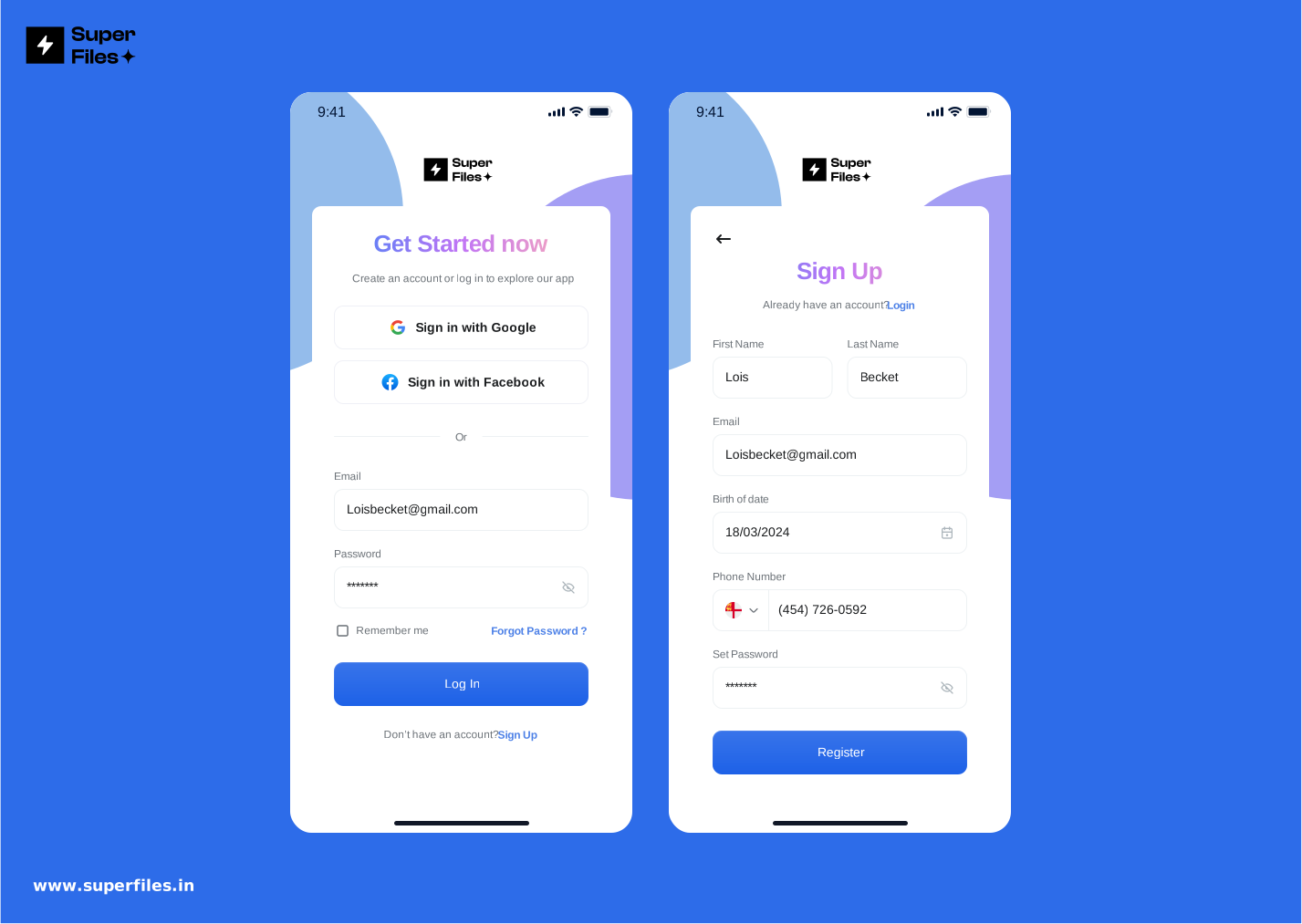
- Gradient Background: Light pink and blue gradient creates a fresh, welcoming look.
- White Content Box: Keeps login and registration fields clear and easy to focus on.
- Logo Placement: Perfect space at the top to display your brand identity.
- Tabbed Login & Signup: Users can switch between login and registration in one click.
- Social Login Buttons: Options for Google and Facebook sign-in for quick access.
- Clean Layout: Minimal design keeps users focused on completing the action.
The light gradient background feels modern and inviting. The white content box makes text and input fields easy to read. Users can log in, register, or sign in with social accounts on the same screen, making the process quick and smooth.
This Figma login and registration screen uses a clean black and white theme. Tabs let users switch between login and signup without leaving the screen. A blue gradient button adds a nice visual touch and stands out clearly. Editable text makes customization easy. With one click on "Copy to Figma," you can start editing the design directly.
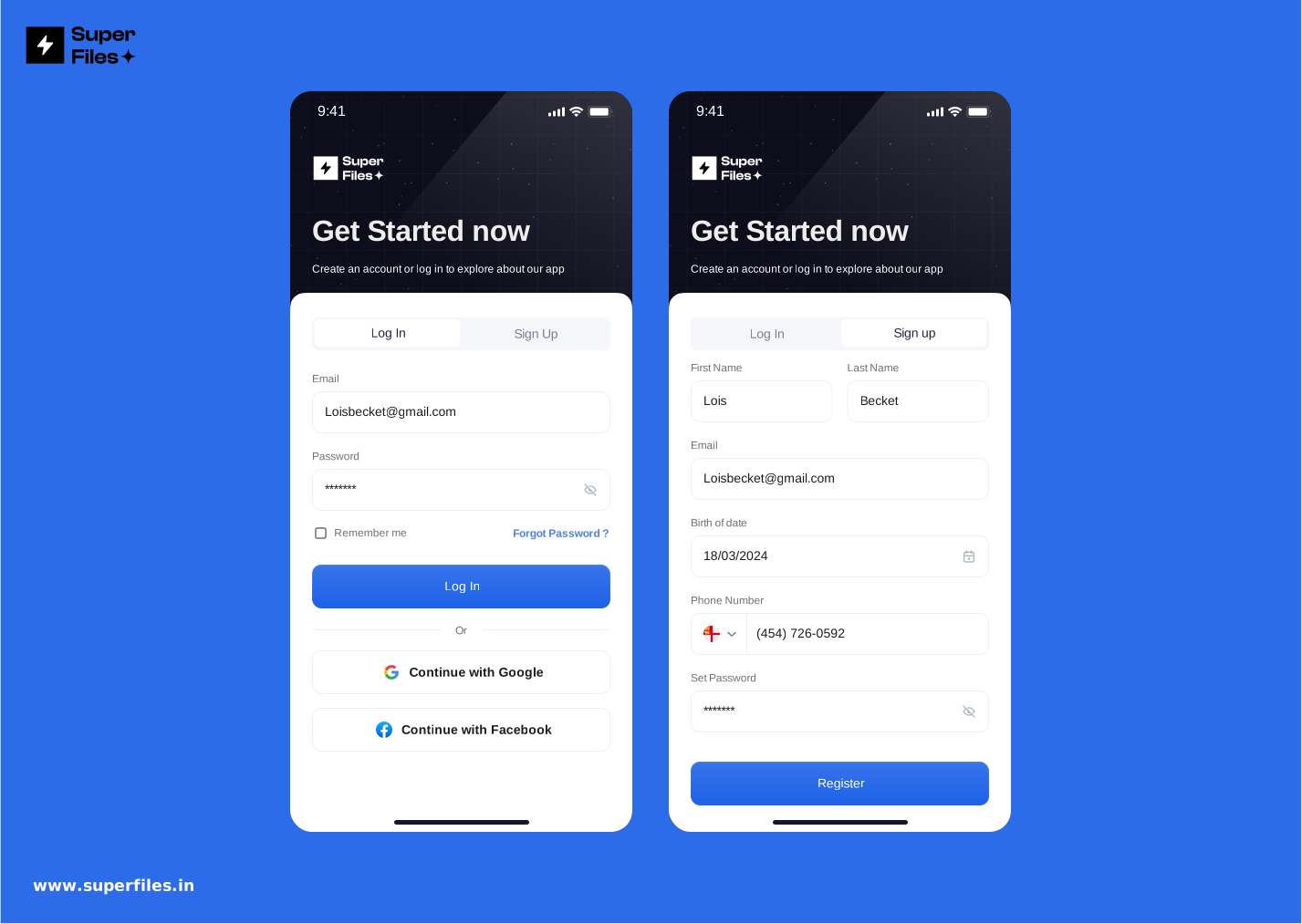
- Black and White Layout: Minimal design keeps focus on the login and signup forms.
- Tabbed Navigation: Users can switch between login and registration without a page reload.
- Blue Gradient Button: Eye-catching button guides users to take action.
- Editable Text: Customize every label and field inside Figma.
- Copy to Figma Option: One-click button allows instant copy and editing.
- Simple Layout: Clear structure helps users complete login or signup fast.
The black and white background makes the blue button stand out. Tabbed navigation creates a smooth experience because users stay on one screen. Editable text saves designers time, while the copy-to-Figma button lets them start editing instantly. Need more Figma templates? Visit our homepage for the full collection.
This Figma login screen features a bold header on a blue background. A square line box with small sprinkle effects gives the design a playful look. All input fields are placed inside a white square box, keeping the layout clear and easy to use. This design works perfectly for both iPhone and Android devices.
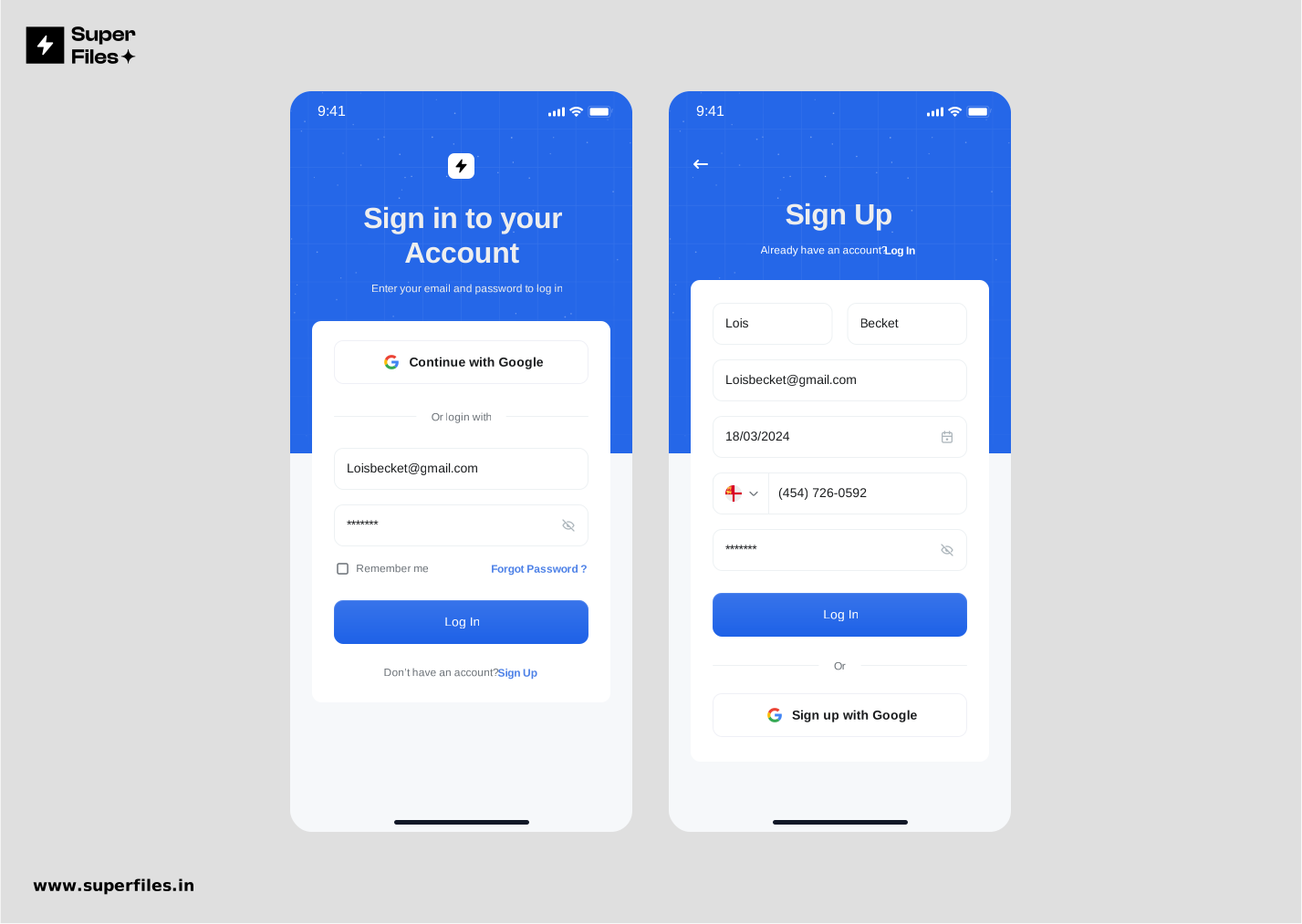
- Blue Background: Creates a fresh, modern look and makes the header stand out.
- Bold Header Text: Guides users and sets the tone for the screen.
- Square Line Box: Adds a structured, organized feel to the layout.
- Sprinkle Effect: Small details create a modern, trendy style.
- White Field Box: Keeps email, password, and other fields easy to see and use.
- Mobile-Friendly: Looks perfect on both iPhone and Android screens.
The bold header on the blue background grabs attention quickly. The sprinkle effect and line art keep the design fun but clean. The white box helps users focus on filling the fields. Because this design works on iPhone and Android, it is a great choice for cross-platform apps.
This Figma login and registration screen uses a soft light orange and lavender gradient background. A glossy white box holds all input fields and buttons, creating a smooth and elegant look. The design feels fresh, calm, and easy to use for both web and mobile users.
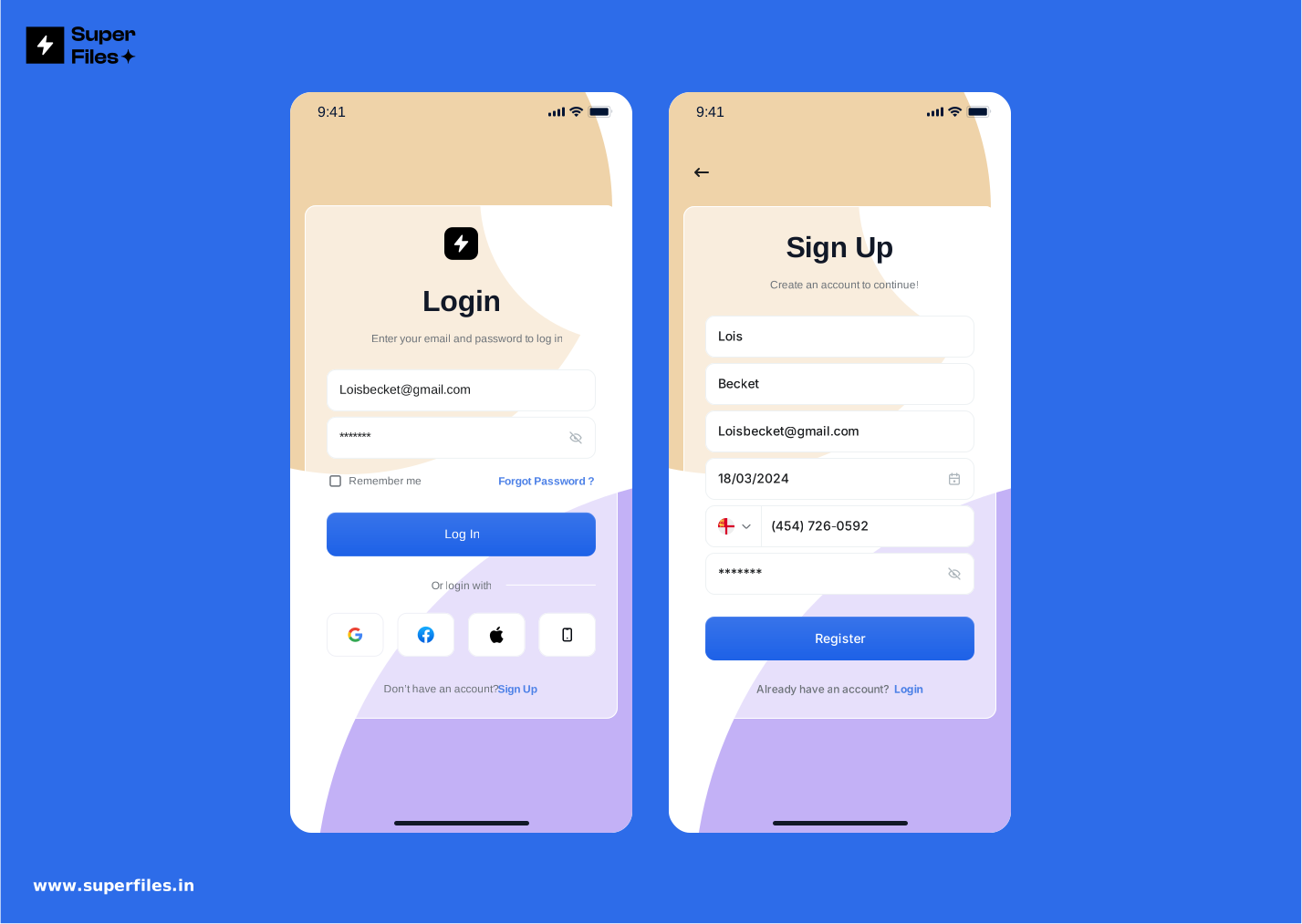
- Light Orange & Lavender Gradient: Adds a soft, creative background with a warm and calm tone.
- Glossy White Box: Holds login and signup fields for a clean, premium look.
- Simple Layout: Keeps focus on completing login or registration quickly.
- Mobile & Web Friendly: Works perfectly across devices and screen sizes.
- Customizable in Figma: Edit text and colors with a single click after copying.
The gradient background creates a friendly and inviting mood. The glossy white box helps users focus on the fields without distraction. This design is perfect for apps that want a light, stylish login and signup flow. Designers can copy and edit it directly in Figma for quick customization. For additional design inspiration, check out our mockup gallery.
This Figma login and registration screen uses a clean, dark theme. Minimal design keeps the focus on the input fields and action buttons. Perfect for apps that want a modern, professional look that feels easy on the eyes.
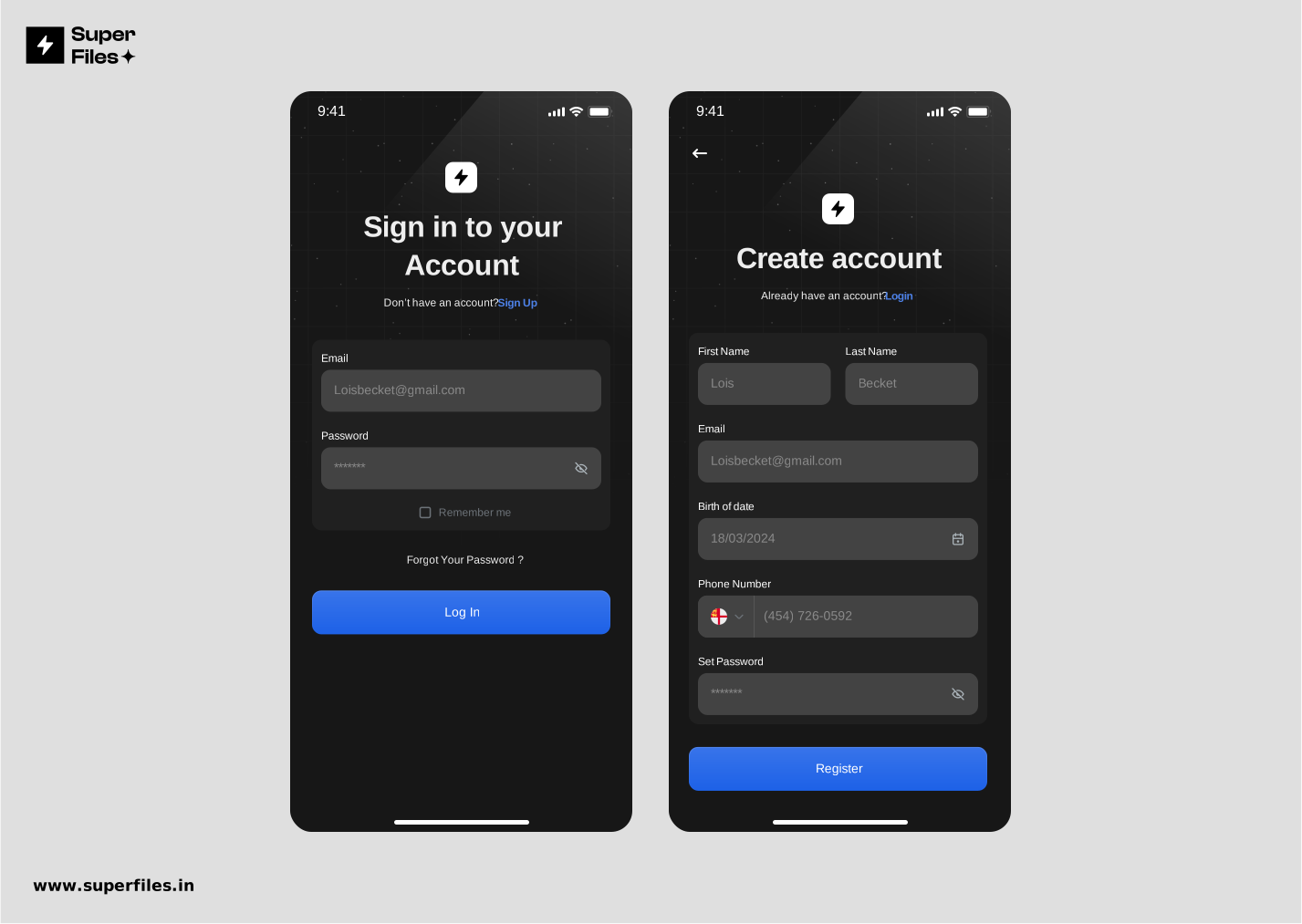
- Dark Minimal Theme: Creates a modern, elegant look and reduces screen glare.
- Simple Layout: Keeps users focused on login and signup without distractions.
- Clear Input Fields: White fields stand out against the dark background for easy readability.
- Action Buttons: Minimal but clear buttons guide users to log in or register quickly.
- Figma Editable: Copy to Figma and customize instantly for your project.
Dark mode is popular because it feels easy on the eyes, especially at night. This minimal layout removes distractions and highlights only what users need. Designers can copy and edit this screen in Figma, saving time and effort when creating a modern dark-themed UI. Want to learn more about AI-powered Figma workflows? Discover how to speed up your design process.

Superfiles


Lemonade Wishes