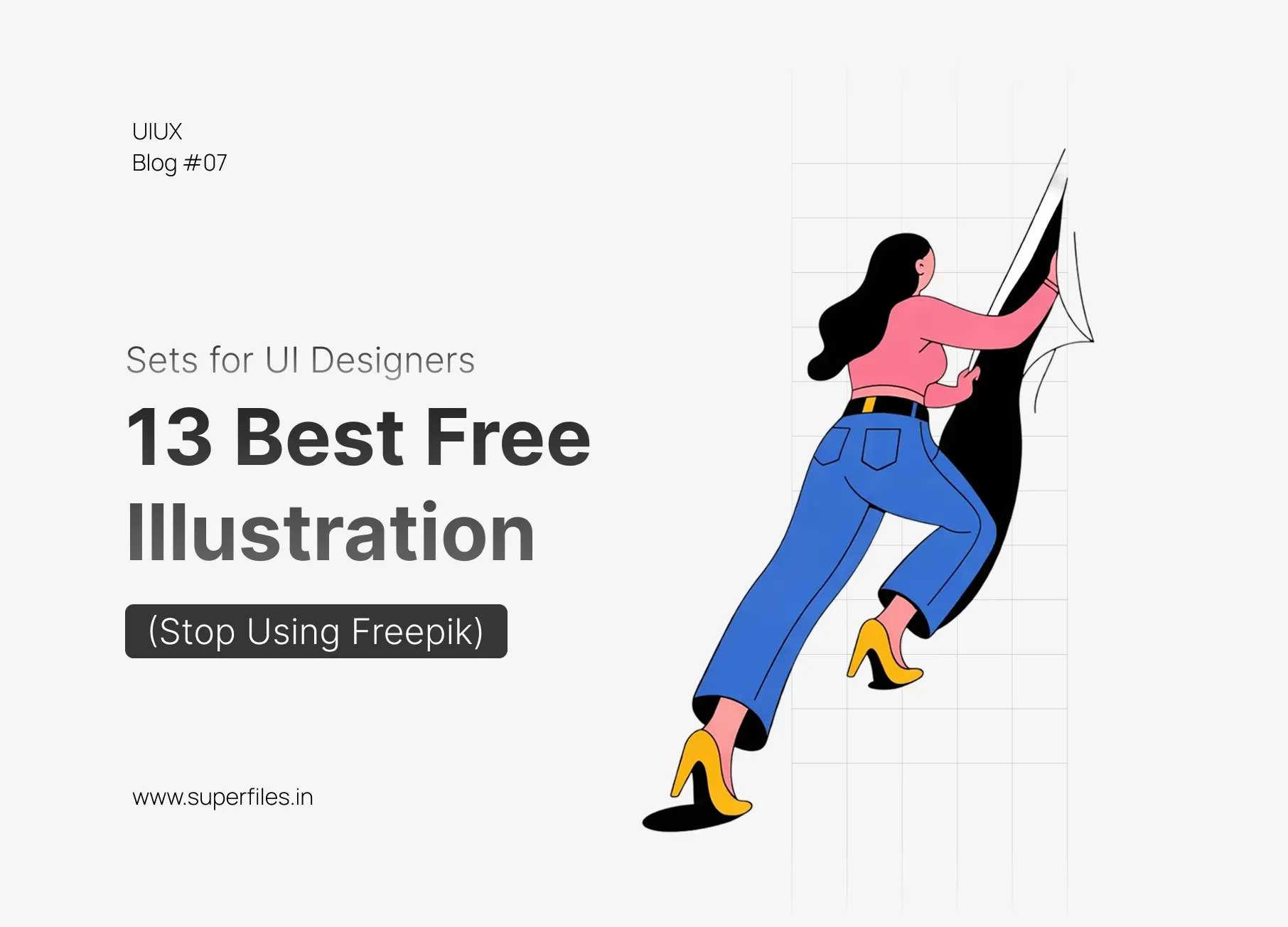
The "Frankenstein UI" Problem
We have all seen it. A website that uses a flat corporate vector in the Hero section, a 3D hand in the Features section, and a sketch-style icon in the Footer. It looks like a Frankenstein monster.
Here are the 13 Best Free Illustration Systems that will save your UI from looking cheap.
Quick Comparison: All 13 Libraries at a Glance
| # | Library | Style | Best For | License |
|---|---|---|---|---|
| 1 | Blush | Various (Doodle, Flat) | Customizable characters | Free (PNG) |
| 2 | SALY | High-Quality 3D | Dark mode, Spatial UI | Free |
| 3 | Storyset | Flat, Animated | Animated illustrations | Free (with attribution) |
| 4 | Open Peeps | Sketchy, B&W | Notion-style, organic feel | CC0 (Public Domain) |
| 5 | Humaaans | Flat, Geometric | Mix-and-match scenes | Free |
| 6 | Ouch! by Icons8 | 30+ Art Styles | Artistic, unique looks | Free (with link) |
| 7 | DrawKit | Clean, Corporate | SaaS landing pages | Free |
| 8 | Absurd Design | Surrealist, Line Art | Standout brands | Free |
| 9 | ManyPixels | Flat, Monochromatic | Tech startups | Royalty-free |
| 10 | Glaze | Soft, Painterly | Lifestyle, health apps | Free |
| 11 | Niku | Thick Lines, Japanese | Mobile onboarding | Free |
| 12 | Handz | 3D Hands | Gesture illustrations | Free |
| 13 | Open Doodles | Colorful Markers | Startup energy | CC0 (Public Domain) |
Top 13 Free Illustration Sets for 2026
Blush
The CustomizerWhy it wins: It's not just a gallery; it's a Figma plugin. You can "mix and match" parts. Don't like the character's hair? Click to change it. Need them standing instead of sitting? One click. The free tier allows unlimited PNG downloads.
SALY
The 3D StandardWhy it wins: If you are chasing the 2026 "Spatial UI" trend, SALY is the gold standard free pack on the Figma Community. It features high-res 3D characters, hands, and abstract shapes that look incredible on dark mode backgrounds.
Storyset
The AnimatorWhy it wins: Owned by Freepik but acts as a separate tool. The killer feature? Animation. You can animate the illustration directly in your browser (e.g., make the character wave) and export it as code (HTML/CSS) or a GIF.
Open Peeps
The Hand-Drawn KingWhy it wins: Created by Pablo Stanley. It's a library of hand-drawn avatars and scenes. It's perfect for "Notion-style" websites or brands that want to feel human and organic, not corporate. CC0 License (do whatever you want).
Humaaans
The ClassicWhy it wins: The original mix-and-match library. It allows you to rotate heads, swap tops, and change pants to create unique scenes. It's arguably the most flexible vector library ever made.
Ouch! by Icons8
The Artistic ChoiceWhy it wins: Most free libraries look "techy." Ouch offers styles that look like oil paintings, 3D clay, or collage art. Note: The free tier requires a link back, but the quality is worth it.
DrawKit
The Modern CorporateWhy it wins: If you are building a SaaS landing page and just need something clean, safe, and professional, DrawKit is your go-to. Their "Grape" pack is particularly popular in 2026.
Absurd Design
The DisruptorWhy it wins: Tired of "people shaking hands"? Absurd offers weird, artistic, surrealist drawings. It's perfect for brands that want to stand out and say, "We think differently."
ManyPixels
The UnDraw AlternativeWhy it wins: Everyone uses unDraw. If you want that same "tech startup" look but want to be slightly different, ManyPixels offers 2,500+ royalty-free illustrations that match that clean aesthetic.
Glaze
The Premium LookWhy it wins: These don't look like vectors; they look like digital paintings. The "memphis" elements and soft gradients make them perfect for lifestyle or health apps.
Niku
The MinimalistWhy it wins: A smaller library, but incredibly stylish. It uses thick strokes and bold, simple shapes. Great for mobile onboarding screens where you don't want too much clutter.
Handz
The 3D Hand PackWhy it wins: Sometimes you don't need a person; you just need a hand holding a phone or giving a thumbs up. Handz is the best free 3D library specifically for gestures.
Open Doodles
The SketchWhy it wins: Another Pablo Stanley gem. It looks like someone drew on a whiteboard with markers. It brings a "startup energy" to any landing page.
Conclusion
Looking for more design resources? Check out our 10 Best Free Icon Sets for 2026 to complete your UI toolkit, or learn how to generate custom assets with AI in Figma.
FAQ: Free Illustration Libraries
Most of them, yes. Libraries like Open Peeps and Open Doodles use CC0 licenses (public domain). Others like Blush and DrawKit offer free tiers with commercial rights. Always check the specific license—some require attribution (like Ouch by Icons8).
For mobile, consider SALY (3D, great for dark mode), MingCute (playful), or Niku (minimalist onboarding). The key is choosing a style that feels native to your app's personality.
Absolutely. Most libraries offer SVG or Figma files that are fully editable. Blush even has a Figma plugin that lets you customize characters directly on your canvas.
It depends on the license. CC0 libraries (Open Peeps, Open Doodles) require no credit. Ouch by Icons8 requires a link back. Most others are MIT licensed—credit is appreciated but not required.
Vector illustrations (SVG) are flat, scalable graphics perfect for clean UI. 3D illustrations (PNG) add depth and dimension—ideal for hero sections and marketing pages. Vectors are lighter; 3D is more impactful.

Superfiles


Lemonade Wishes